Get the SMC Dress app
Shop faster, keep your favorites one tap away, and get a heads-up when a dress you saved drops in price or is back in stock. Free, and no App Store needed.
You're all set
SMC Dress is installed on this device. Tap the bell on your screen to turn on alerts for dresses you've saved.
Add it to your iPhone in 3 taps
- Open this page in Safari (other iPhone browsers can't add apps).
- Tap the Share button (the square with an arrow) and choose Add to Home Screen.
- Open SMC Dress from your home screen and tap the bell to turn on alerts.
Alerts on iPhone only work once the app is added to your home screen.
Install it on your Android phone
Or in Chrome: tap the menu ⋮, then Install app (or Add to Home screen).
Get it on your phone
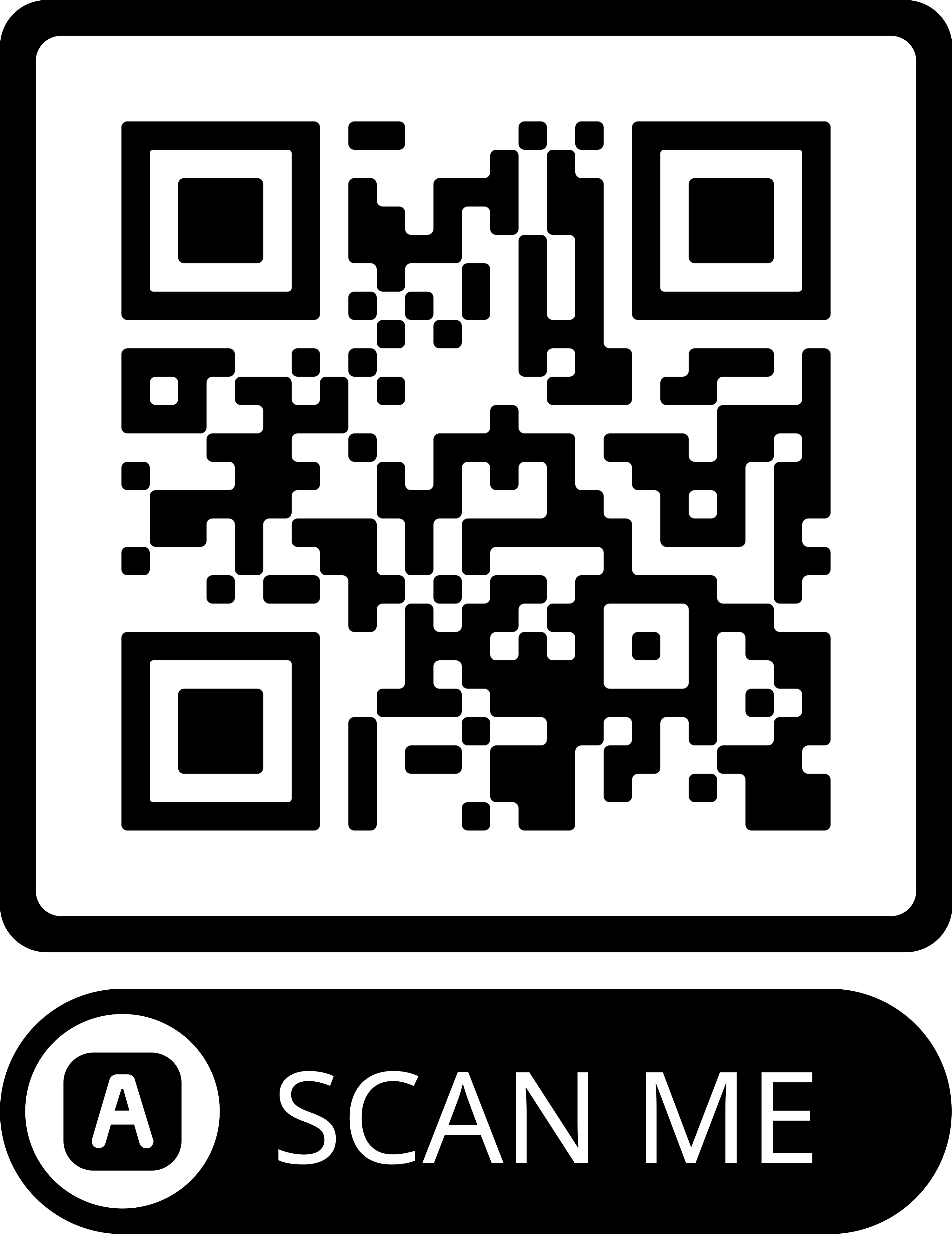
Point your phone's camera at this code and open the link:

Or open smcdress.com/pages/app on your phone.
What you get
- SMC Dress on your home screen, opening full-screen like an app
- An alert when a dress you saved drops in price or is back in stock
- Occasional private offers on dresses you've saved